
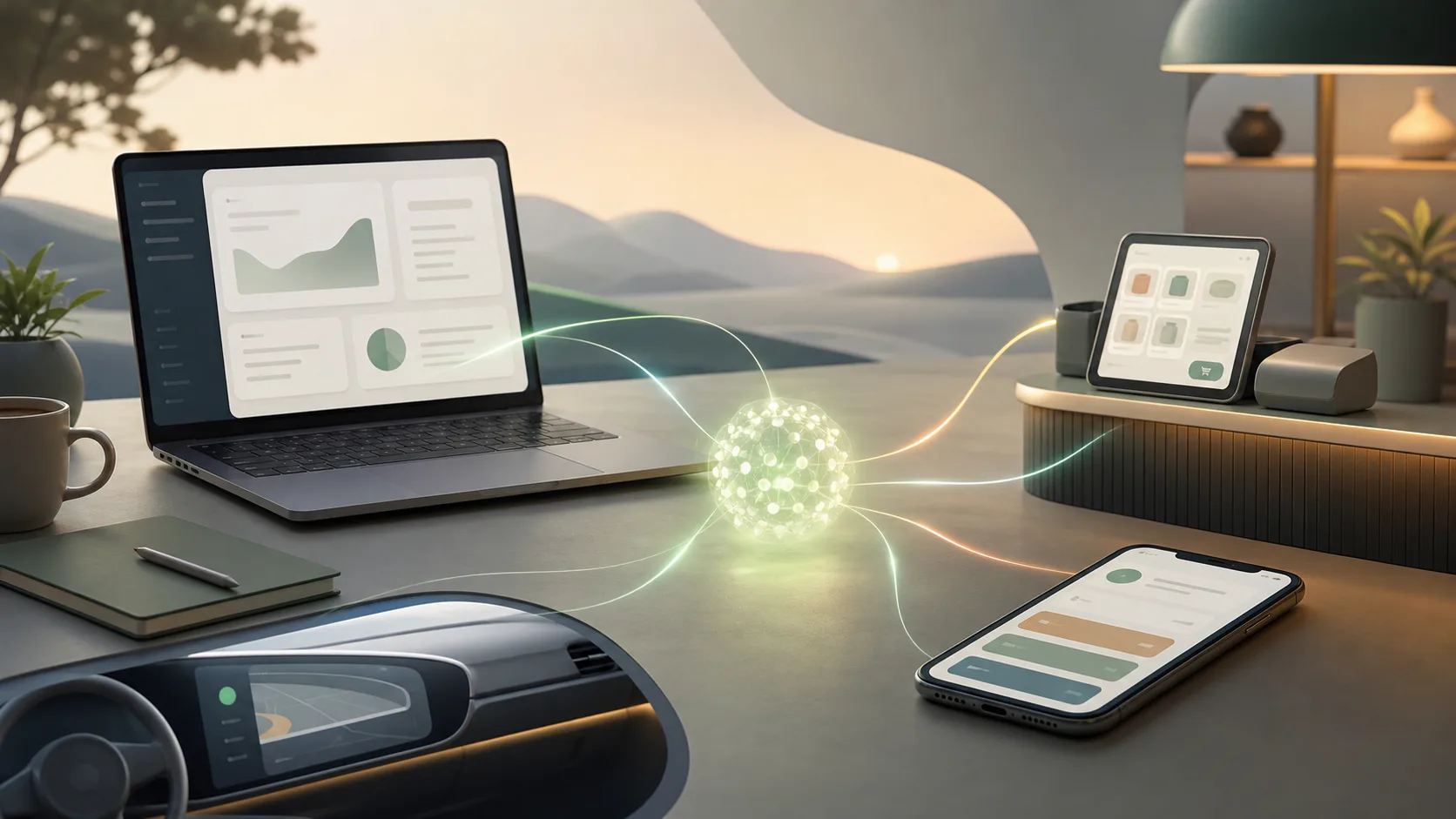
AI is getting less interesting as a separate app and more interesting as a layer inside products people already use. That shift is easy to miss because the announcements arrive as scattered product news: a laptop built around an assistant, phone features that automate small tasks, a vehicle voice assistant, a small-business package that connects to finance and sales tools.
Taken together, the pattern is clearer. The next phase of consumer and workplace AI is not only “open a chat window and ask a question.” It is “use the tool you were already using, and let the AI handle some of the boring connective work.”
That does not make every feature valuable. It does mean the old question, “Which chatbot is best?” is becoming too narrow. A better question is: where does the AI sit in the workflow, what can it actually touch, and who stays in control?
The real shift is placement
Standalone AI tools ask people to change context. You leave the spreadsheet, storefront, browser, car dashboard or phone app, then explain what you need. Embedded AI tries to remove that hop.
That is why recent product moves matter. Anthropic is packaging Claude for small businesses around connectors and ready-made workflows. Google is putting Gemini deeper into Android and positioning Googlebook as a laptop category designed around Gemini Intelligence. Rivian is rolling out a voice assistant tied more closely to vehicle functions.
None of these examples should be treated as proof that the category is solved. They are early versions, and early versions can be clumsy. But they point in the same direction: AI is moving closer to the place where the work happens.
Usefulness depends on access, not magic
An AI feature feels useful when it has the right context and the right permissions. A generic assistant can describe how to chase invoices. A connected assistant may be able to draft the reminder, check the customer record, prepare the next step and wait for approval.
That difference matters. It also creates the main risk.
The more useful the AI becomes, the more sensitive its access becomes. A feature that can read business apps, fill forms, operate across mobile apps or change vehicle settings needs very clear boundaries. Users need to know what data is being used, what actions require approval and how to turn the feature off.
The practical test is simple: if the product cannot explain its access model in plain language, the feature is not ready to be trusted with important work.
A simple evaluation framework
When a new AI feature shows up in a product, ignore the cinematic demo for a minute and ask five questions.
First, where does it live? AI inside the operating system, browser, car software or business tool has different leverage than AI in a separate tab. Placement changes how often people use it and what it can see.
Second, what can it actually do? Summarizing is useful, but it is not the same as completing a multi-step task. Drafting is useful, but it is not the same as sending, buying, booking or changing a setting.
Third, what requires confirmation? Good product design keeps people in the loop for actions with cost, privacy, safety or reputation consequences.
Fourth, does it respect existing permissions? If a teammate cannot access a file or customer record normally, the AI should not become a back door.
Fifth, can normal users recover when it gets confused? The feature needs visible progress, undo paths, logs or at least a clear way to stop.
Small businesses are a good stress test
Small businesses are a useful audience for this shift because they rarely have spare time for novelty. A feature that only impresses during a demo will not last long in a busy shop, agency, clinic or local service business.
For them, the promise is not “AI transformation.” It is fewer late-night admin tasks, less copying between tools and faster movement from request to action. That is a grounded promise, but it is also demanding. The feature must work with messy real-world data, uneven processes and people who are not paid to experiment with software all day.
This is where training matters. Connectors and workflows are not enough if users do not understand when to use them, when to avoid them and how to review the output.
Consumers will judge by friction
On phones, laptops and cars, the buyer may care less about the model name and more about friction. Did the phone fill the form correctly? Did the laptop surface the right next step? Did the car understand the command without turning driving into a troubleshooting session?
That sounds mundane, and that is the point. AI becomes valuable when it makes a normal task less annoying without demanding a new habit every time.
For product teams, the bar is higher than adding a sparkle button. The feature has to be placed where the user already is, grounded in the user’s context and limited enough that mistakes are manageable.
What to watch next
The important competition may not be only between model providers. It may be between product surfaces: operating systems, browsers, productivity suites, app stores, vehicles and vertical business tools.
The winners will probably not be the products with the loudest AI branding. They will be the ones that turn AI into a boringly reliable layer: visible when useful, quiet when unnecessary and careful when an action matters.
That is a more useful lens for the next wave of announcements. Do not ask whether a product “has AI.” Ask whether the AI is close enough to the work, constrained enough to trust and helpful enough to survive after the demo.